Website and CRM integration: keep every inquiry
CRM integration is ready when a website inquiry reaches the correct pipeline, has an assigned owner and remains available if the handoff fails. An email notification or a form saying “Success” does not verify that whole journey.
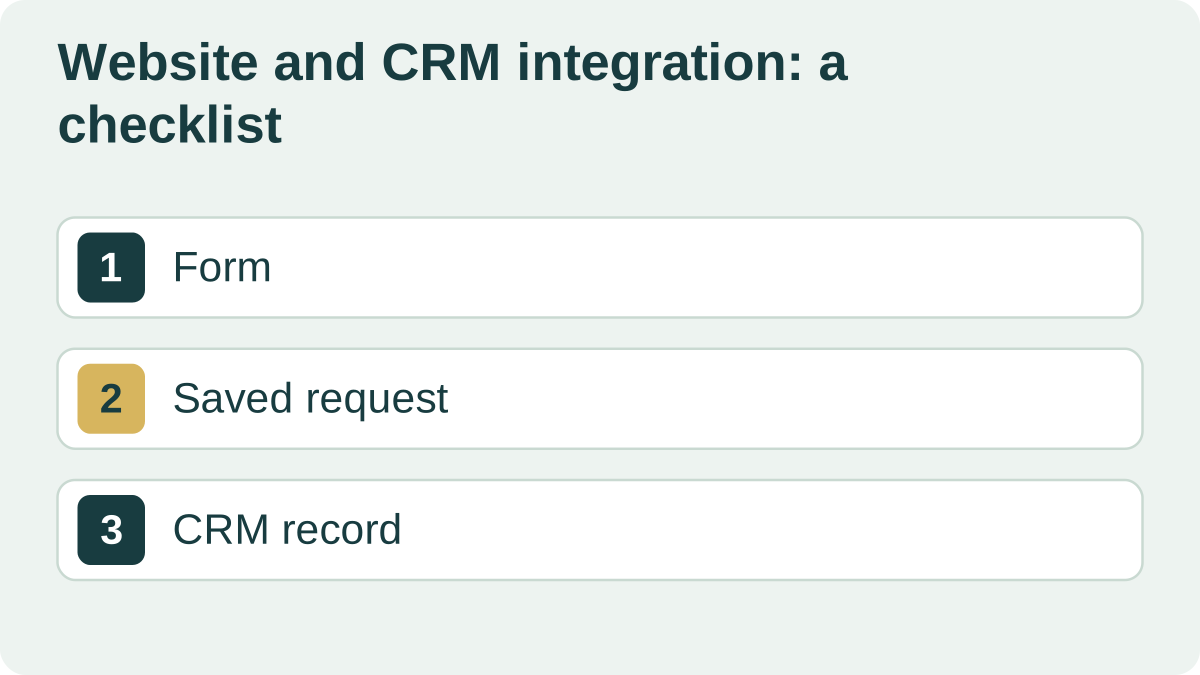
Map the form to the CRM
Match the contact details, service, message and source to the correct CRM fields. Decide what is required and how missing data is handled. Keep the form limited to information with a clear purpose.
Agree who owns the inquiry: a named employee, a queue or someone assigned by service. Even a correctly delivered lead can be overlooked without an owner.
| Form field | CRM destination | If it is missing |
|---|---|---|
| Name | Contact or lead | Ask for it if a name is required |
| Phone | Contact phone number | Validate before submission |
| Selected service | Deal field | Do not silently substitute a different service |
| Traffic source | Source field | Keep available tracking data; do not guess |
Distinguish retries from new inquiries
Someone pressing Submit twice is different from a returning customer with a new request. Use the submission ID to recognize retries and agreed business rules to decide whether to create another deal.
A shared phone number is not always sufficient reason to merge records. Check the team’s current process against a few real, anonymized examples.
Save the inquiry before sending it to the CRM
An external service may time out. Save the inquiry reliably first, then retry delivery. Staff need a view of pending handoffs and the reason for a failure.
Do not report success if the data has not been saved anywhere. A temporary CRM delay should not force the visitor to fill in the form again.
Check the result with the sales team
Submit a normal inquiry, an incomplete form and a duplicate. In a test environment, make the CRM unavailable and check delivery after it recovers. Verify the fields, source and staff notification.
After launch, reconcile saved inquiries with the CRM records created. If the site has inquiries but the CRM does not, start with the delivery log. To estimate the integration, DevNomad needs the CRM name, a sample form and assignment rules.
An example acceptance criterion is: “After the CRM recovers, the saved inquiry appears once in the correct pipeline, with the phone number, service and assigned employee.” Adapt this requirement to your own workflow.