Lead automation: find where inquiries get stuck
Take a few real inquiries and follow what happened to each. Was it saved? Who replied? Is there a next step? Automate the gap you find. Buying a CRM will still leave that gap unless the process changes.
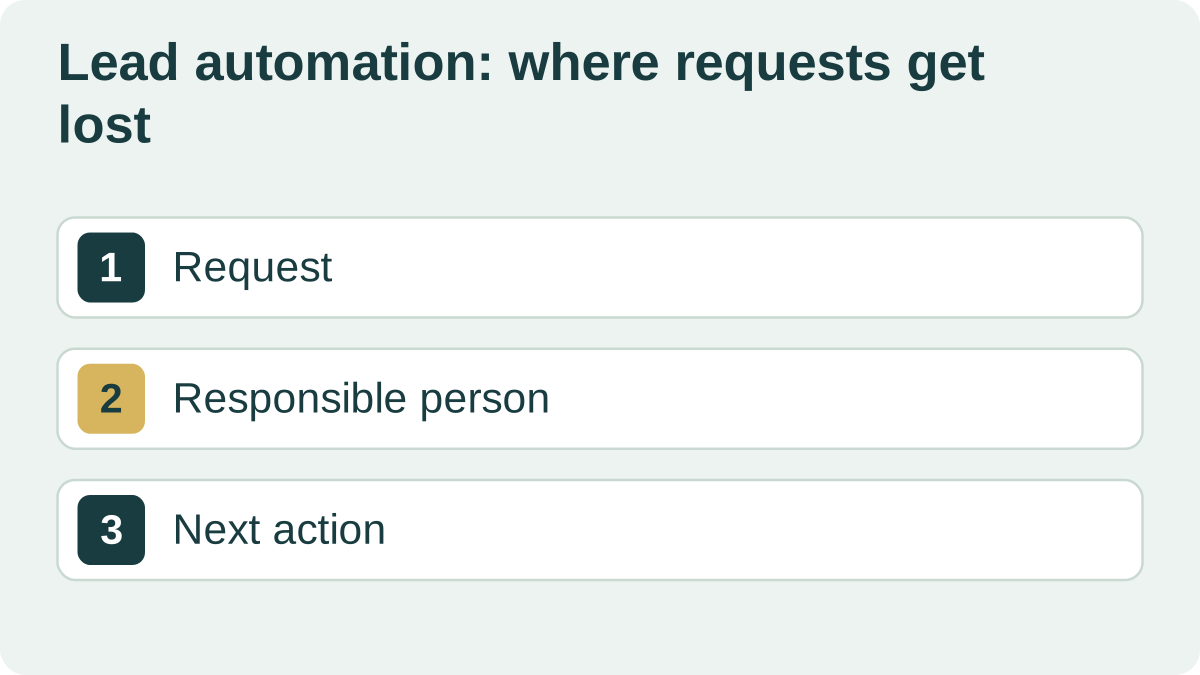
Find where progress stops
Choose inquiries from your website, messaging apps and phone calls. For each, find the arrival time, assigned employee, first response and current outcome. Start recording these events if they are missing.
An inquiry that did not become a sale is not necessarily a technical failure. A customer may have declined the price or changed their mind. Distinguish those cases from messages that nobody saw or answered.
Assign someone who knows the next step: a quote, a request for materials or an agreed follow-up. A status of “in progress” alone does not tell you what will happen.
Automation can assign an owner, create a task and flag a delay. The deadlines must fit your working hours and staffing.
| Inquiry | What happened | What to change |
|---|---|---|
| Website form | Contact saved, no employee assigned | Assign an owner and notify them |
| Chat message | Employee replied, no follow-up recorded | Create a dated follow-up task |
| Call about pricing | Customer declined the quote | Record the reason; a lost inquiry is not established |
Keep the inquiry even if a notification fails
A Telegram message can alert staff, but it should not be the only record of the inquiry. Save the inquiry reliably and retry the notification if delivery fails.
Test an unavailable integration, a service restart and a repeated form submission. Staff should be able to see a failed handoff before a customer reports it.
Measure the process you changed
Compare time to first response, inquiries without an owner and overdue tasks before and after the change. Use comparable periods and account for changes in volume.
Extra sales may also reflect a new offer or advertising. Begin with an outcome you can verify directly, such as every saved inquiry reaching the CRM.
To discuss the work with DevNomad, prepare a simple process diagram and a few anonymized examples. They will help identify the first useful change and how to test it.