Booking bots: prevent conflicting appointments
A booking bot needs an up-to-date schedule and must save an appointment before confirming it. The chat is only part of the job. Conflicts often involve two customers choosing the same slot, rescheduling or a staff member changing their hours.
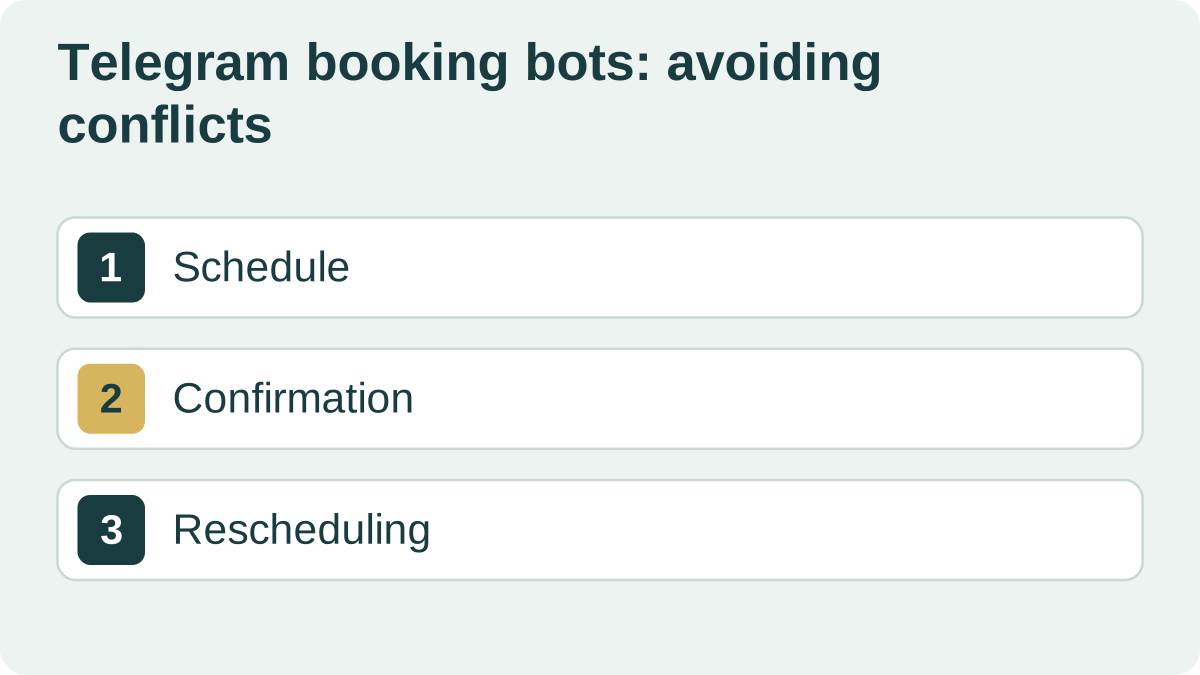
From an available slot to a confirmed booking
Choose where the schedule is maintained: your booking platform, CRM or another service. Staff and the bot need a consistent view. If people update two calendars manually, agree how those updates are kept in sync.
Include service duration, breaks, time zones and staff selection rules. A free hour may not be suitable for a particular appointment.
After a customer chooses a slot and confirms the service, check availability again and save the booking. Only then send confirmation.
Test two customers choosing the last slot at the same time. One gets the booking; the other gets alternative times. If the calendar is unavailable, save a request for staff to follow up rather than promising an appointment.
Keep rescheduling and reminders in sync
A reminder must refer to the current appointment. Cancel or update the old reminder when a visit moves. Release the slot after a cancellation according to your booking rules.
Agree how far in advance customers can change bookings and when staff approval is needed. Make the difference between a request to reschedule and a confirmed new time clear.
Collect only the information needed to arrange the visit. Define the boundaries particularly carefully for medical appointments.
Test with the person managing appointments
Try booking on a phone, cancelling, rescheduling and changing staff availability. Check what staff see when a reminder fails or a customer has blocked the bot.
Bring a sample schedule, service list and rescheduling rules when requesting an estimate. First check whether your existing platform already covers the workflow. Add a separate bot when it offers a specific benefit to customers or staff.
| Situation | Expected outcome |
|---|---|
| Two customers choose one slot | One confirmation; alternative slots for the other customer |
| Staff reschedule an appointment | The customer sees the new time; the old reminder is cancelled |
| The calendar is unavailable | No booking promise; a follow-up request is saved |
| The customer has blocked the bot | Staff can see that the reminder was not delivered |