Website payments: from checkout to delivery
To accept payments, choose a provider that supports your country, business status and product. Then connect the payment to an order and verify delivery. The checkout button is only the start of that process.
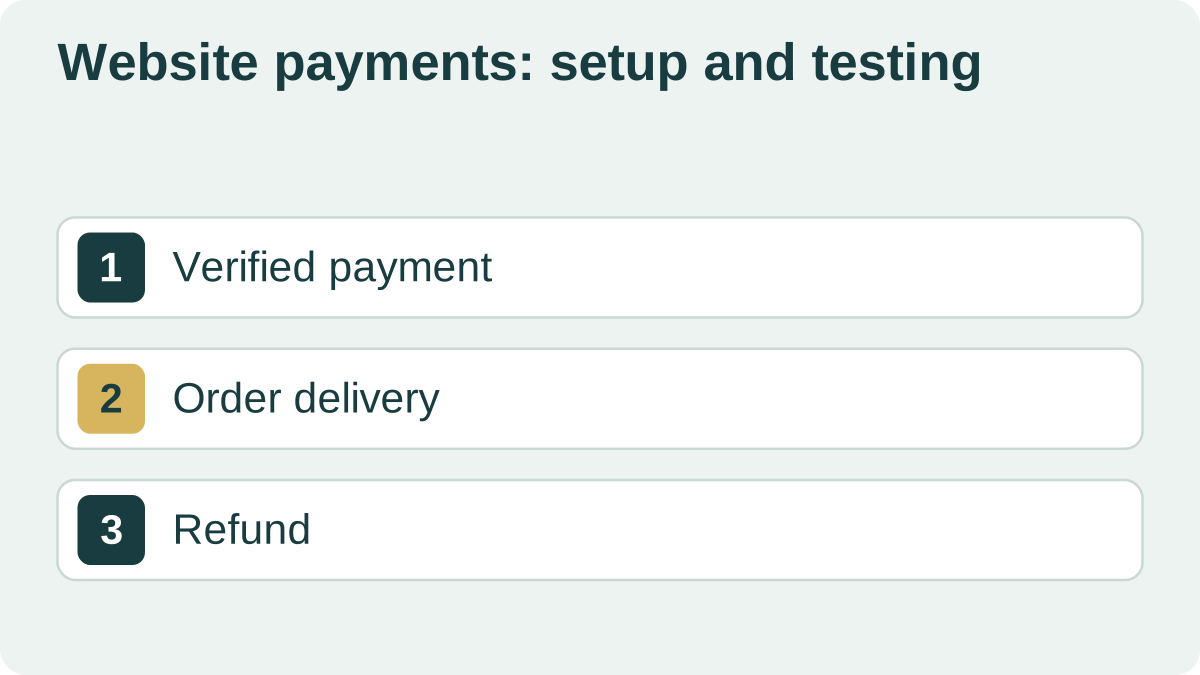
Provider eligibility, seller status and receipts
Tell the provider where you operate, your business status and what customers receive. Check payment methods, currencies, fees, payout timing and restrictions. Another seller’s approval does not establish that your project is eligible.
For sellers using Russia’s professional income tax regime, known as NPD, consult the Federal Tax Service about eligible activities and receipts. Check precisely which duties a payment intermediary handles under its agreement.
Bank confirmation establishes a payment. The document owed to the buyer and the tax record depend on the seller’s status and jurisdiction. The Russian tax authority states that NPD taxpayers are not required to use cash register equipment; they issue the relevant receipt through the “My Tax” service or an authorized partner under the applicable rules.
Other business statuses may have different requirements. Agree on the arrangement with the payment provider and, where needed, an accountant before implementation. Give the developer confirmed requirements.
Verify payment on the server
A customer may close the tab after paying and never return to your site. The success page cannot be the sole basis for fulfillment. Verify the provider’s notification or retrieve the payment status.
Check the notification’s authenticity, amount, currency and order reference. Repeated notifications about one payment must not deliver the purchase twice. If the provider is temporarily unavailable, keep the order with a clear status and a way to check again.
Test before your first sale
Use a test arrangement agreed with the provider. Check success, decline, a closed tab, duplicate notifications and a refund. Confirm that the buyer receives both the purchase and the required document, and that support can find the order.
Reconcile paid orders, funds received and delivered access regularly. Missing notifications alone do not establish that no purchase occurred. To discuss implementation with DevNomad, provide the provider, seller status and expected fulfillment steps.
| Case | Expected outcome |
|---|---|
| Payment succeeds; the tab is closed | Server confirms the order and delivery proceeds |
| The bank declines payment | No paid access; the order remains available for another attempt |
| A provider notification is repeated | Payment is recorded and the purchase delivered once |
| Delivery fails after payment | The paid order and failure are visible; delivery can be retried |
| A refund is confirmed | History and access follow the agreed refund rules |